

SVGcode: Convert Raster Images to SVG Vectors
Trace color or monochrome bitmap images into SVG with adjustable conversion controls.
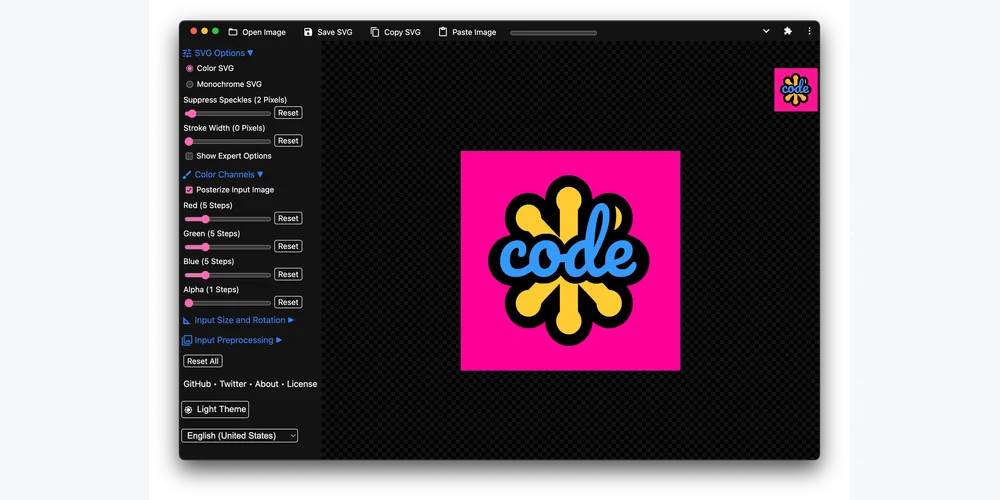
What it does
Open a raster image, choose color or monochrome output and adjust speckle suppression, posterization and other tracing options. Flat artwork with clear color boundaries is a useful starting point for comparing the generated paths with the original.
Workflow and access
The browser app offers SVG saving and clipboard operations. Its official source repository documents the project and software license. Exported geometry still needs cleanup when tracing small details, lettering or noisy images.
Sources and usage terms
Keep reading

Previous resource
SVGOMG: Visual SVG Optimization in Your Browser
Preview SVGO optimization settings and compare the result before downloading a smaller SVG.
View resource